

01Grounded
Edits that respect the real room
No fabricated walls or fake furniture — every result stays true to the original space buyers will walk into.
AI that stages empty rooms, clears the clutter, and turns flat midday exteriors into golden-hour twilight — listing-ready in under a minute. Your first 5 edits are free, no credit card.
5 free edits on sign-up · No credit card required
No fabricated walls or fake furniture — every result stays true to the original space buyers will walk into.
Keep uploads, outputs, and delivery together so the whole team works from one place and never loses the thread.
Run cleanup, staging, and twilight passes, then deliver polished images without ever leaving the job.
Every result stays grounded in the original room — no fabricated walls or fake furniture.
Browse a few sample transformations, then open the full results page for the showcase.
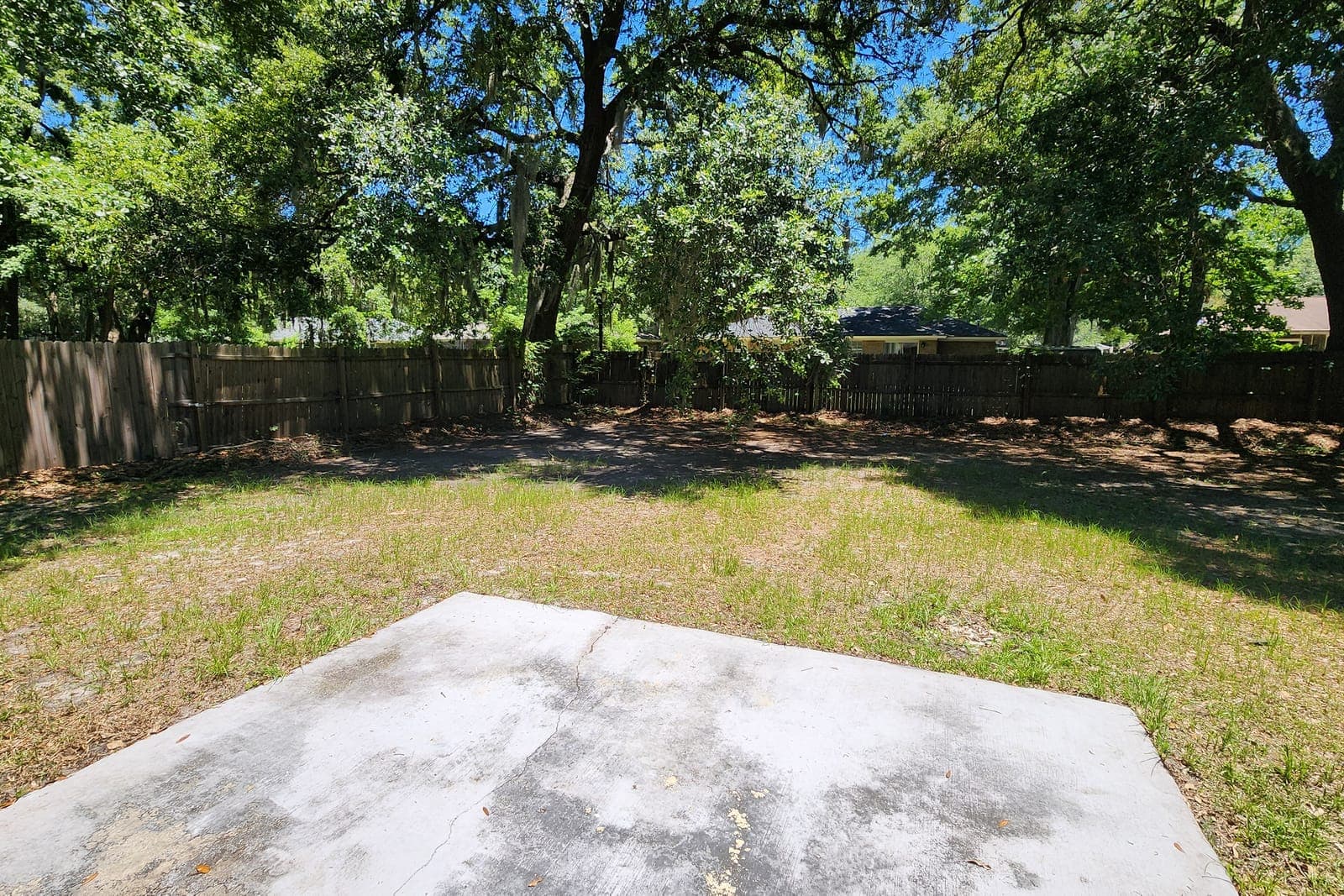
An empty concrete pad becomes a full outdoor living space — pool, outdoor kitchen, dining, and string lights — all kept to the real scale and shape of the yard.

Three steps, one workspace. Upload, edit with intent, and deliver listing-ready images your clients trust.
Start a project for each listing so the team can keep uploads, outputs, and delivery organized.
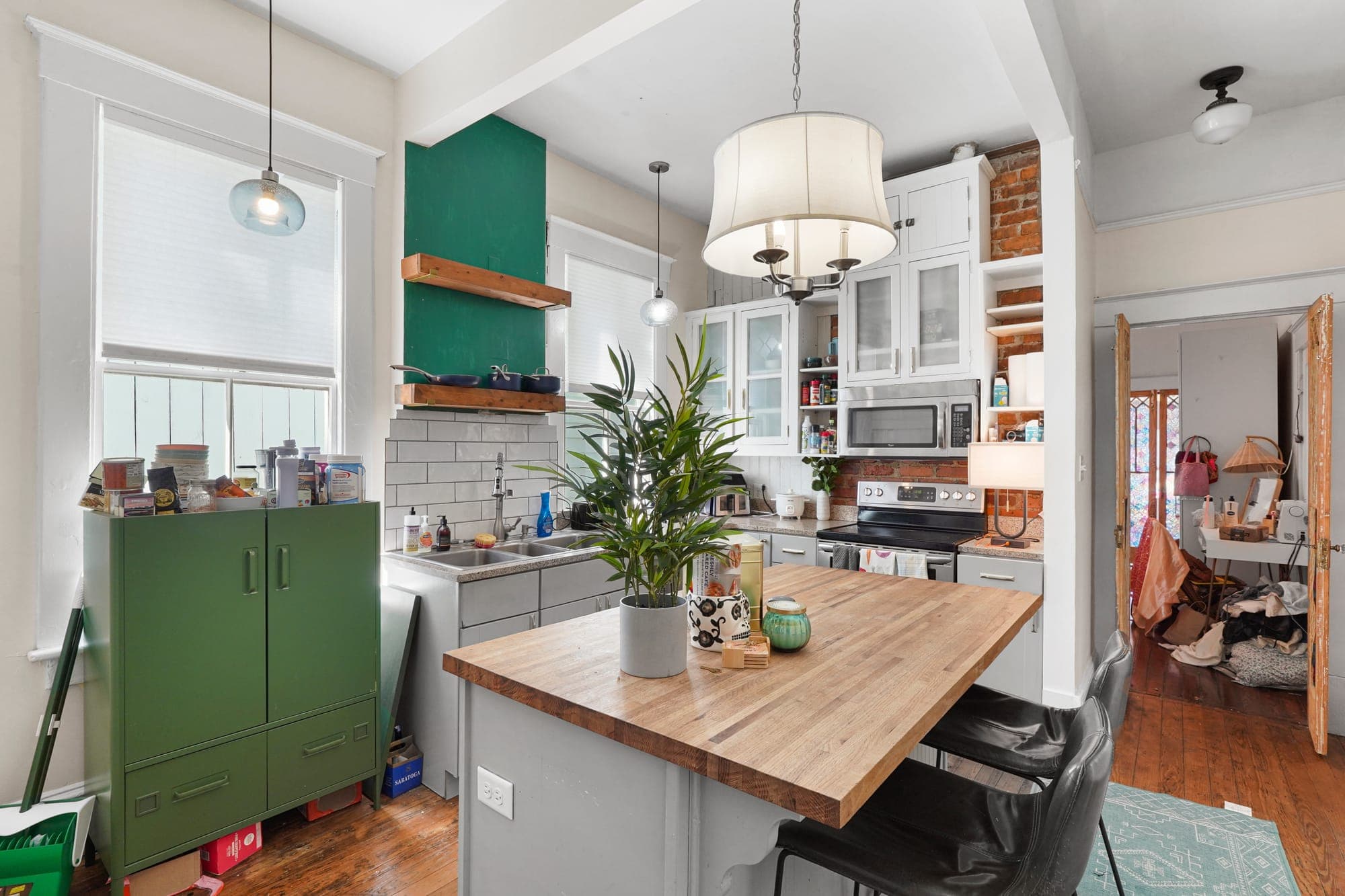 New project
Choose a preset, add optional direction, and keep each edit grounded in the original room.
 Editing
Compare the result, batch through the gallery, and send polished images out without losing the thread.
 Delivered
Relist AI helps agents, photographers, and brokerages turn raw listing photos into polished, market-ready images in seconds — declutter, virtual staging, relighting, and twilight, all in one workspace, no Photoshop required. Every edit stays true to the real property, so what buyers see is the home they'll actually walk into.
Try 5 credits at no cost, then pick the plan that matches your volume. No contracts — cancel any time.
For solo agents and photographers who want a clean, dependable listing-photo workflow.
For teams and studios handling steady volume across multiple listings at once.