 Relist AI
Airbnb Photo Editing for Short-Term Rental Hosts
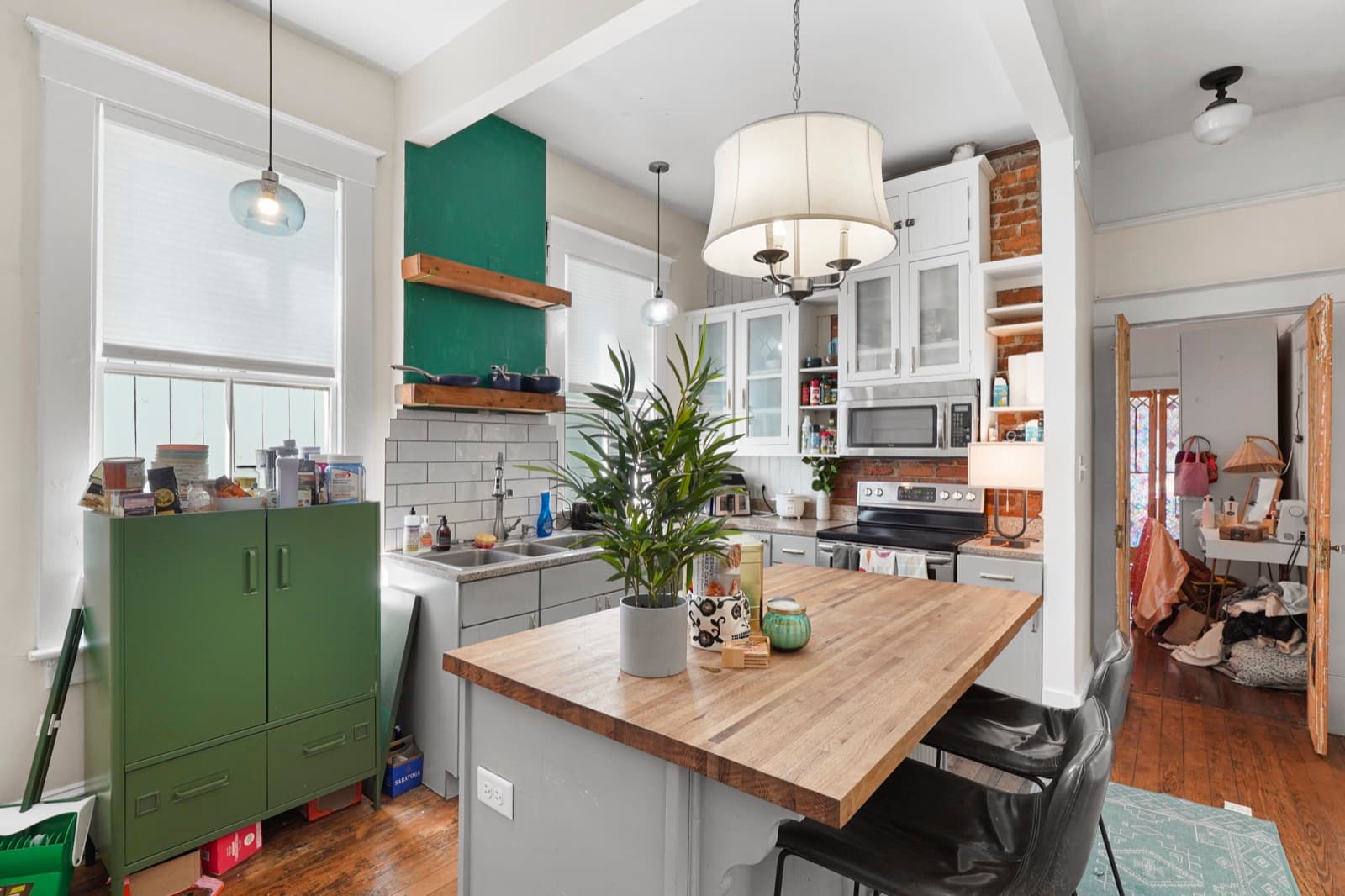
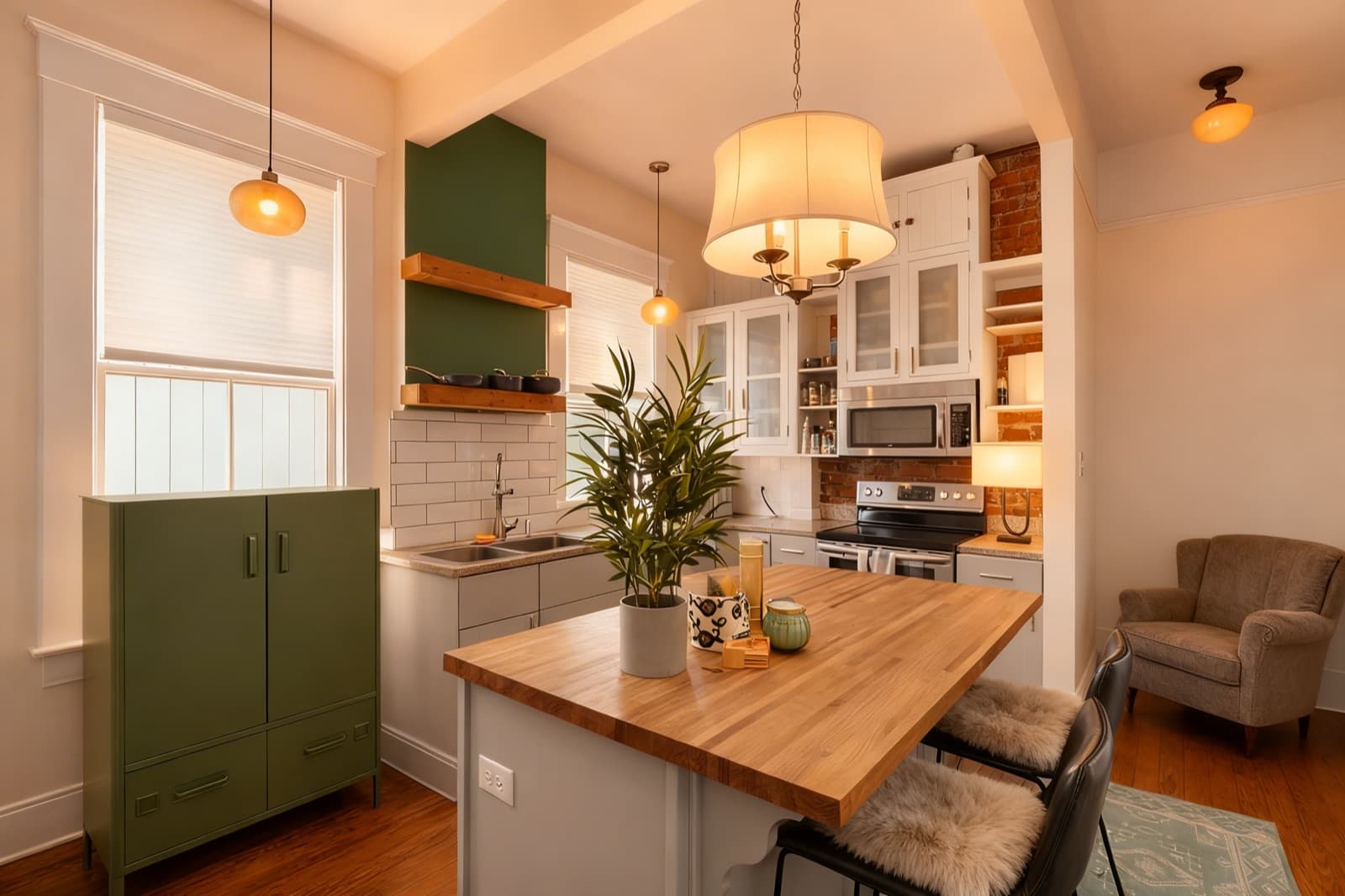
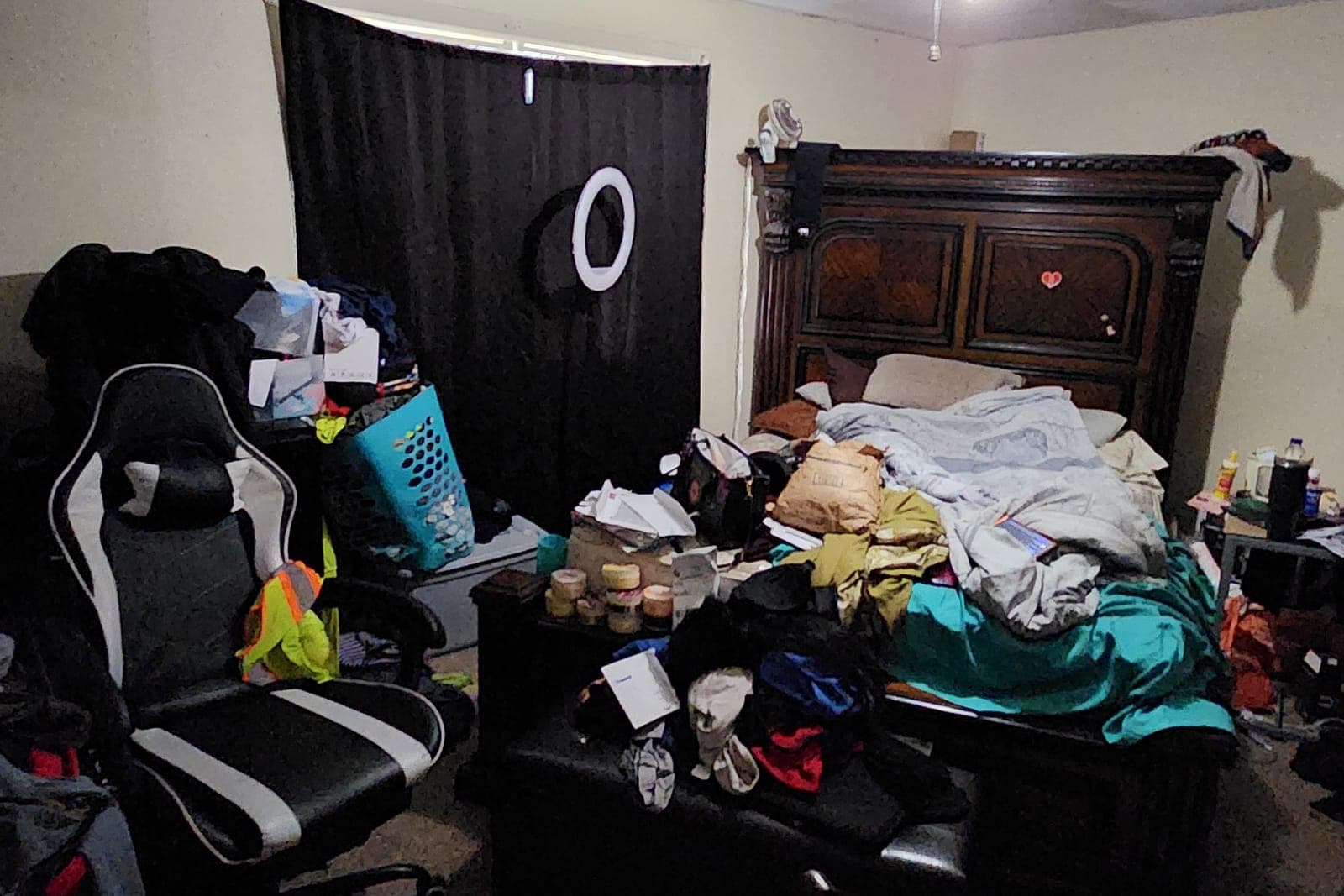
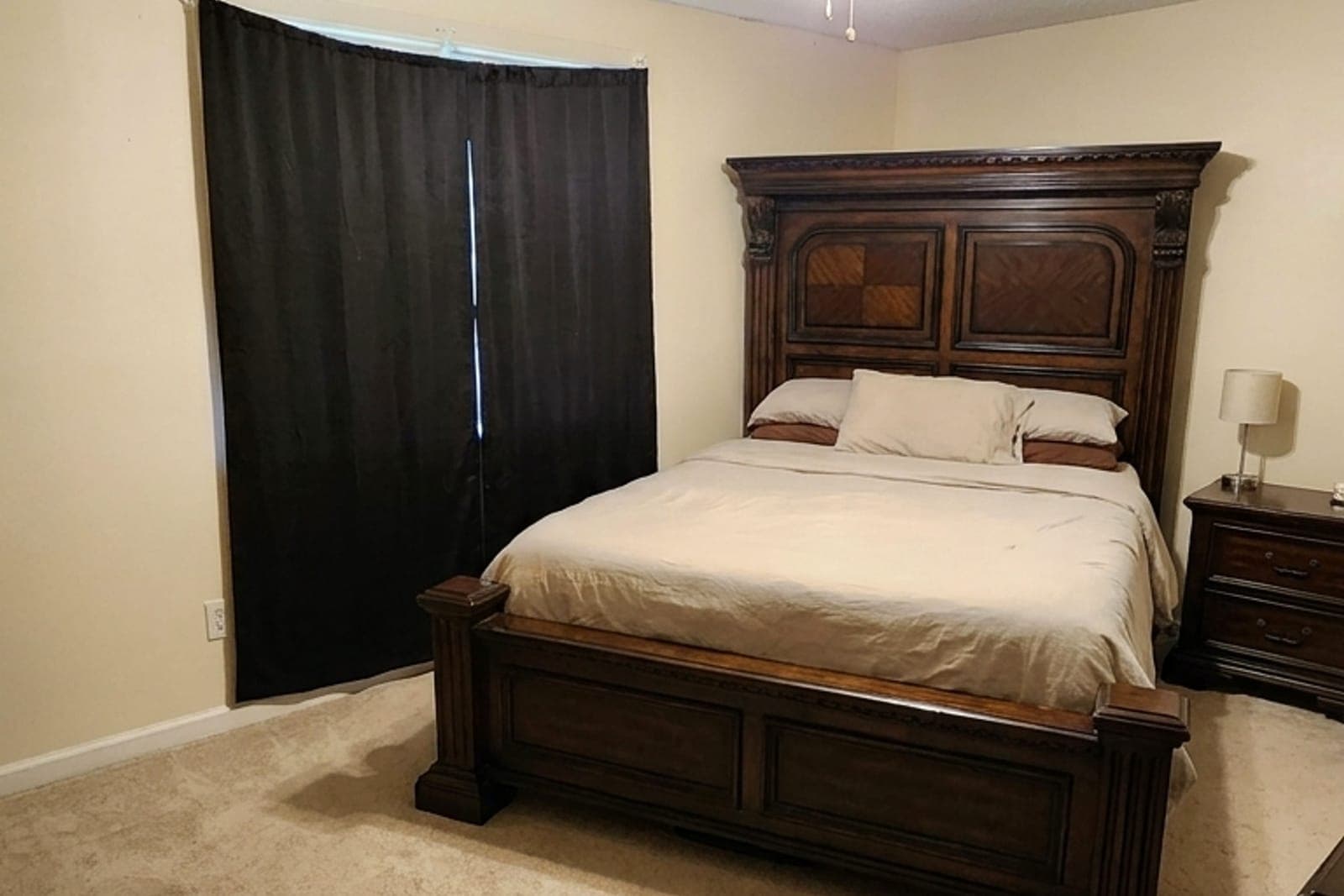
On Airbnb and VRBO, your photos do the selling, and dim, cluttered shots cost you bookings. Relist AI edits your existing rental photos so the space looks bright, tidy, and inviting, using the same brighten, declutter, warm-tone, and virtual staging edits agents rely on, framed for short-term rentals. Every edit stays grounded in the real room, so guests see the actual space they'll book, with no fabricated walls, windows, or rooms.
How it works
Start a project for your rental and upload the listing photos straight from your phone or camera.
Choose Brighten, Declutter, or a warm, cozy tone, or type a custom note, and the AI edits the photo in seconds.
Compare before and after, then download the photos for Airbnb and VRBO or send a shareable delivery page that includes an AI-edit disclosure.
Why it works
- Brighten dim rental photos
- Declutter for a clean look
- Warm, cozy tone guests love
- Stays grounded in the real room
- Batch-edit your whole listing
Frequently asked questions
Yes. Every edit stays grounded in the real room you upload. Relist AI brightens, declutters, and warms the space without fabricating walls, windows, or rooms, so guests see the place they'll actually stay in.
Yes. Virtual staging furnishes empty or sparsely furnished rooms so guests can picture the space, while keeping the real layout, windows, and finishes intact.
AI-edited and virtually staged photos may require disclosure under platform or local rules, so follow Airbnb, VRBO, and any applicable local guidelines. The shareable delivery page includes a disclosure to make this easier.
Each photo edit uses 1 credit. The free trial includes 5 credits with no credit card, and paid plans start at $39/month for 40 credits, with purchased credits that never expire.
Make your rental photos pop, free
Start with 5 free credits, no credit card required. Upload a listing photo and see your space brighten and warm up in seconds.