 Relist AI
Real Estate Photo Enhancement and Relighting
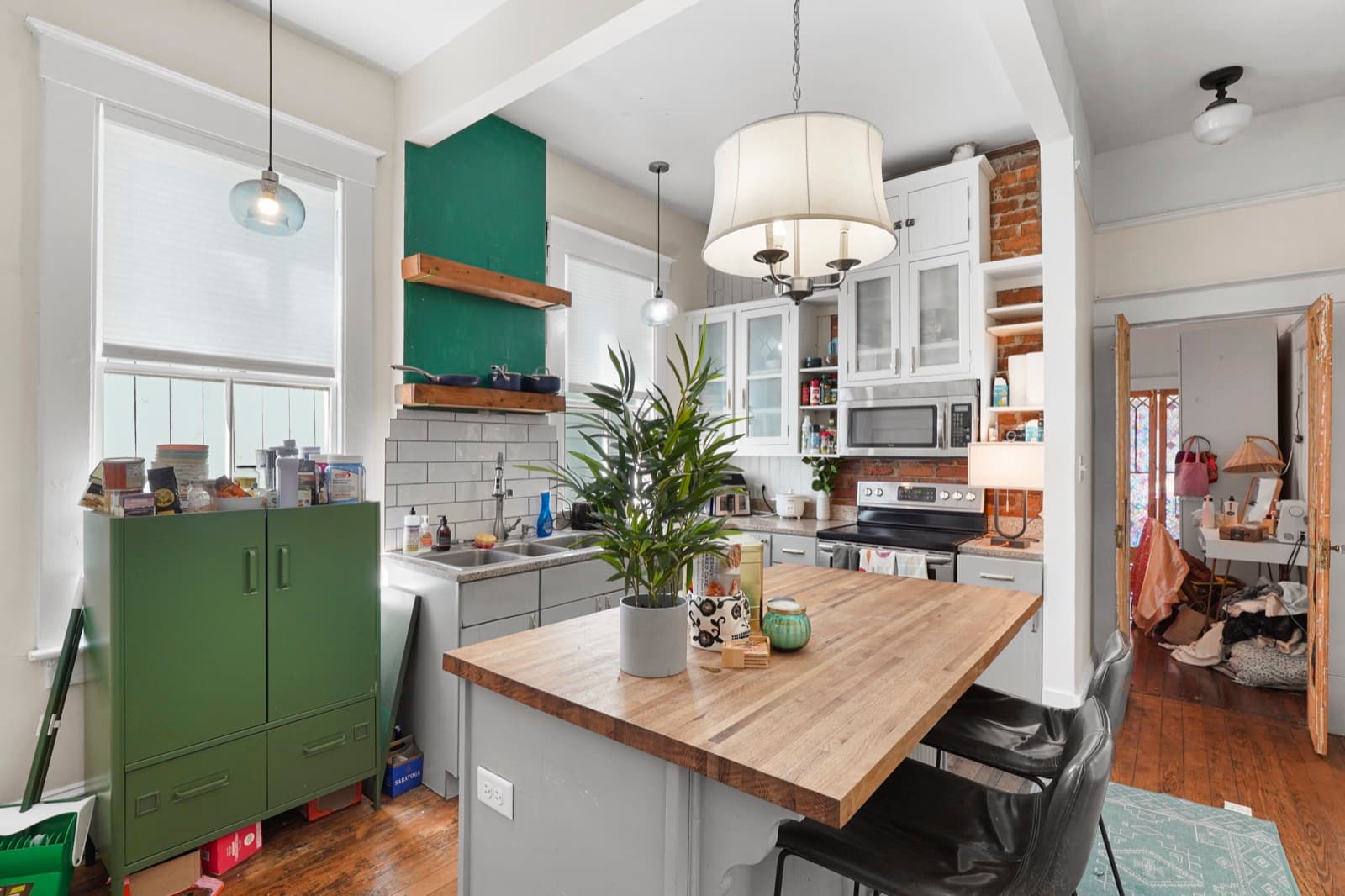
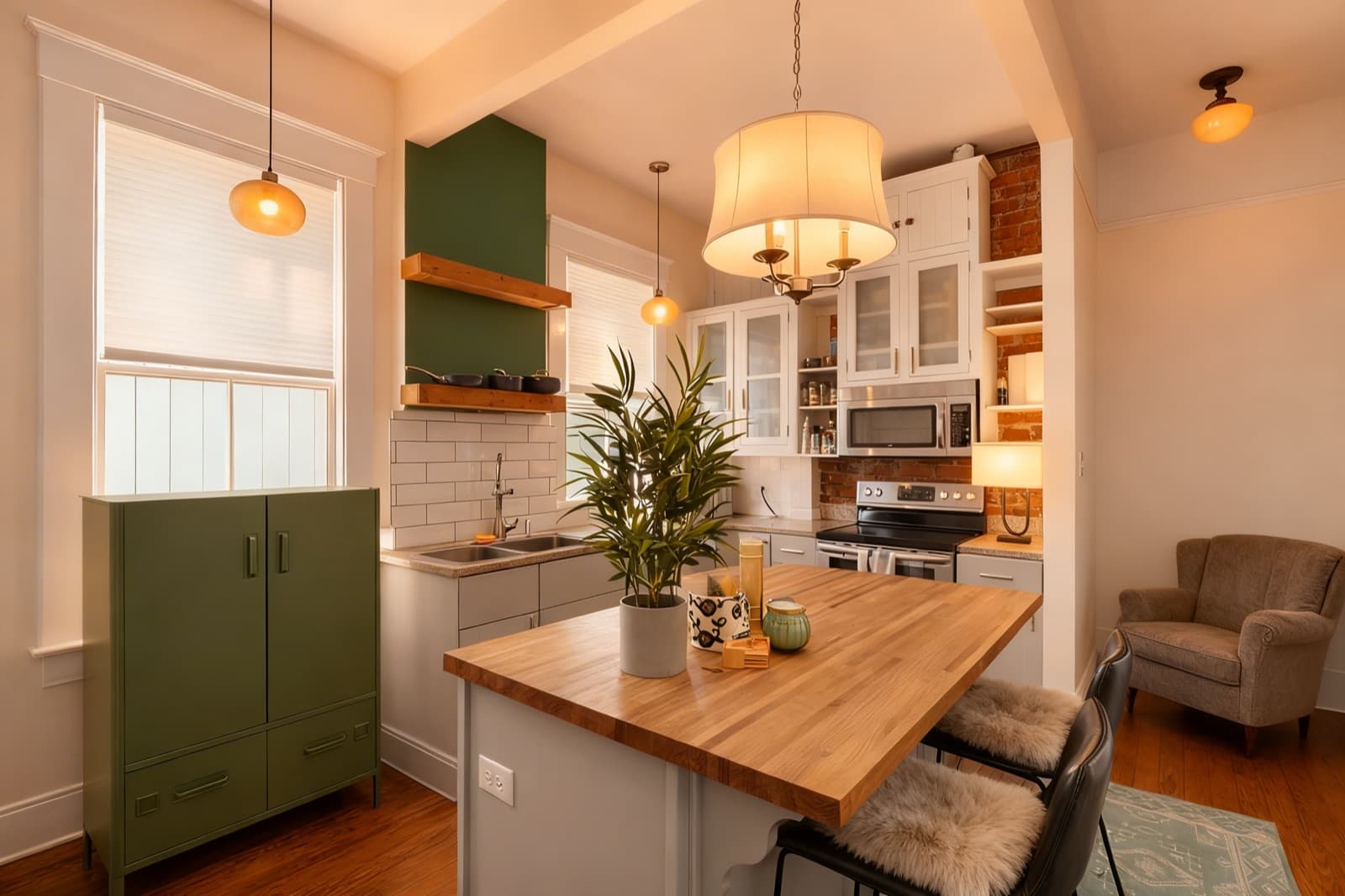
Cold, dim, or color-cast interior photos make great listings look forgettable. Relist AI relights your shots, lifts the brightness, and corrects color and white balance so rooms read warm, bright, and inviting. Every edit stays grounded in the real room, so the architecture, fixtures, and finishes come through exactly as they are.
How it works
Start a project for the property and upload the interior photos you want to enhance.
Choose the Brighten preset for instant relighting, or type custom instructions to warm tones and correct white balance your way.
Review the before/after, then download the finished images or send the shareable delivery page to your client.
Why it works
- Brighten dim, underexposed interiors
- Warm cold, flat lighting instantly
- Fix color and white-balance casts
- Keep the real architecture intact
- Edits ready in seconds
Frequently asked questions
No. Relighting, brightening, and color correction stay grounded in the real room. We adjust exposure, warmth, and white balance without fabricating walls, windows, or spaces that aren't there.
Yes. The AI corrects color and white balance to neutralize yellow, blue, or green casts from mixed indoor lighting, so wall colors and finishes look true to life.
AI-edited photos may require disclosure under MLS or state rules, so follow your local guidelines. The shareable delivery page includes a disclosure to help.
Each photo edit uses 1 credit. You can batch-edit a full set of interiors, and purchased credits never expire.
Brighten your first listing free
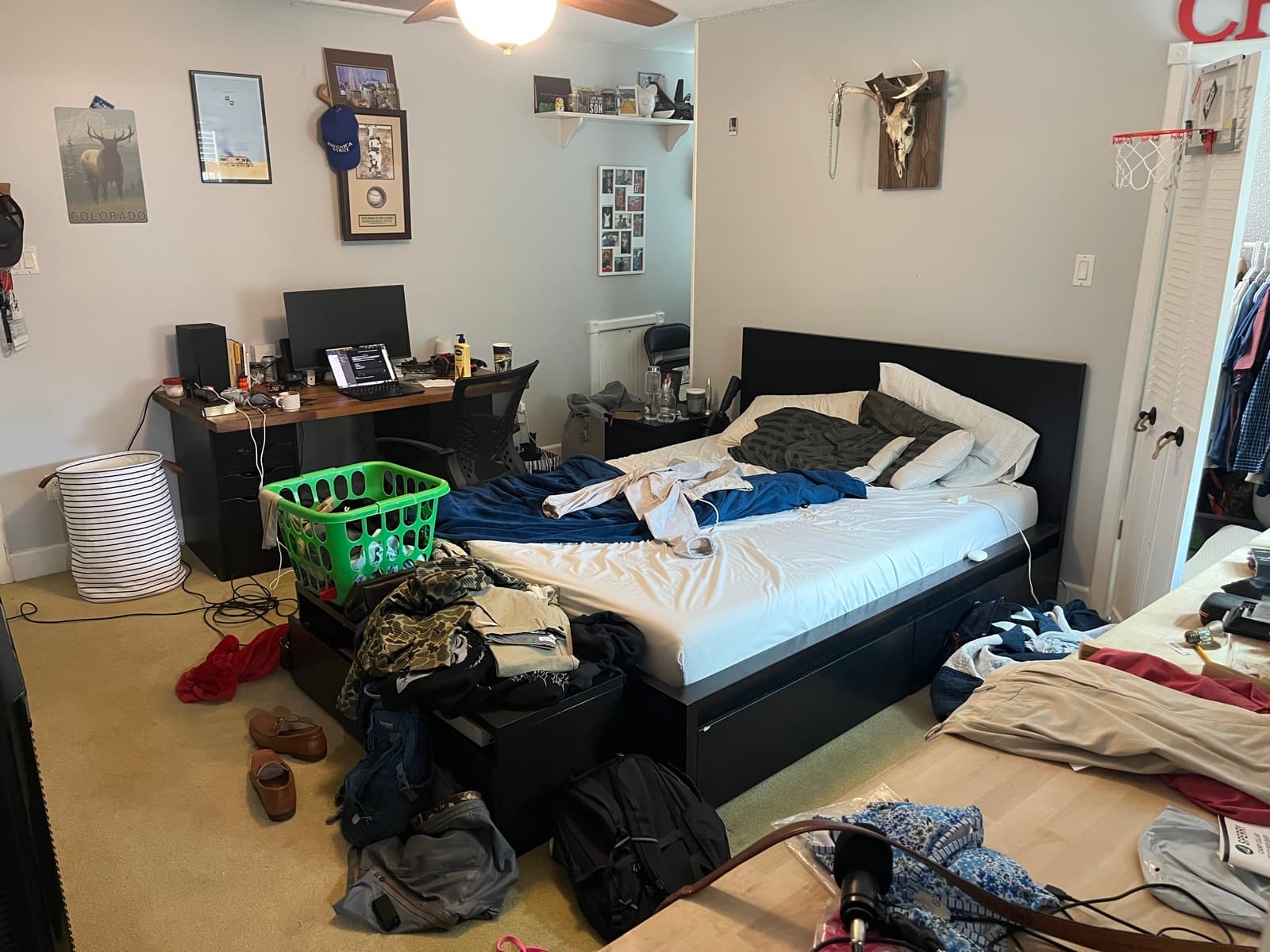
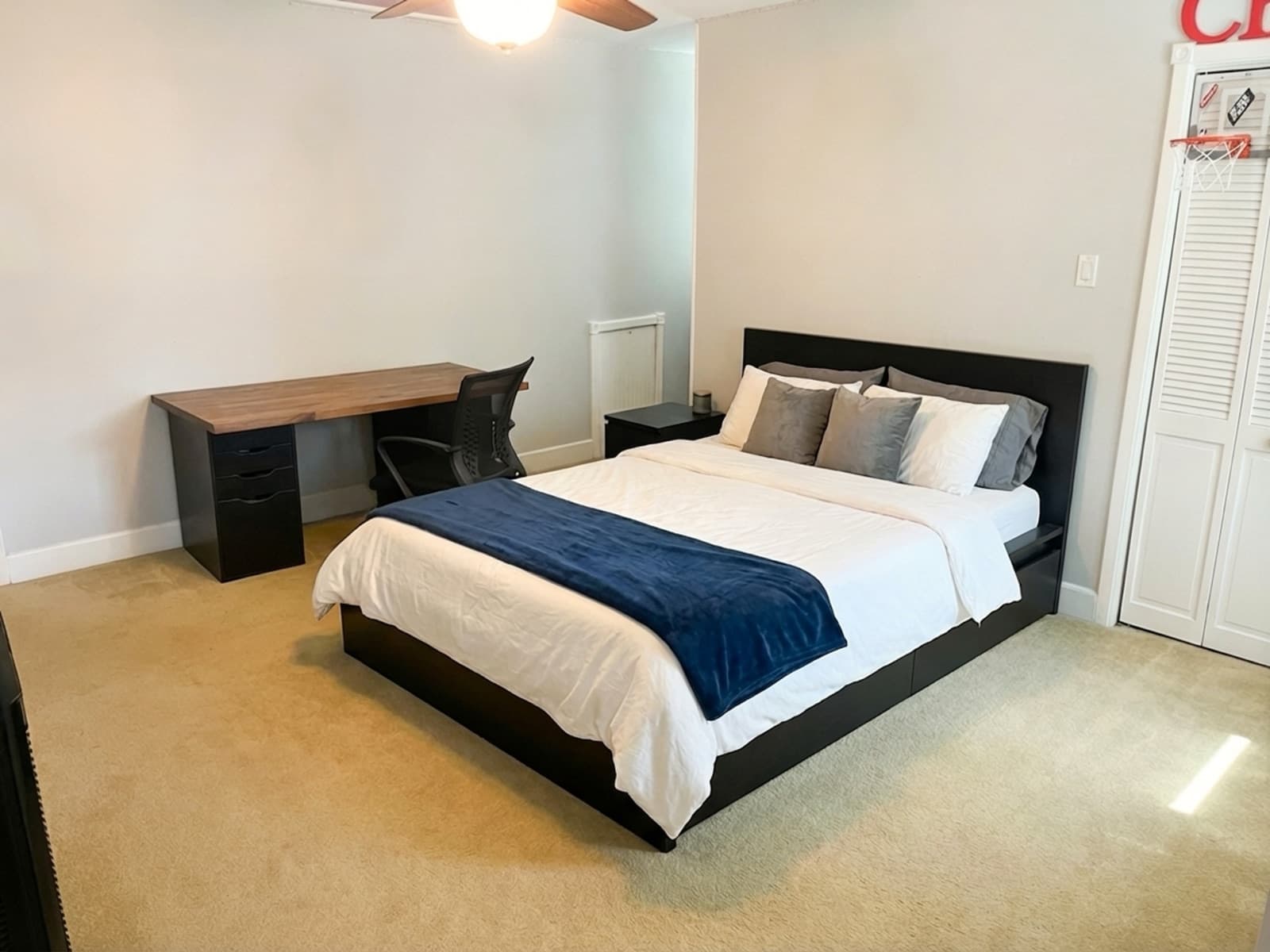
Start with 5 free credits, no credit card required. See a cold kitchen warm up and a dim bedroom come to life in seconds.