Workflow
From raw photos to a listing-ready set
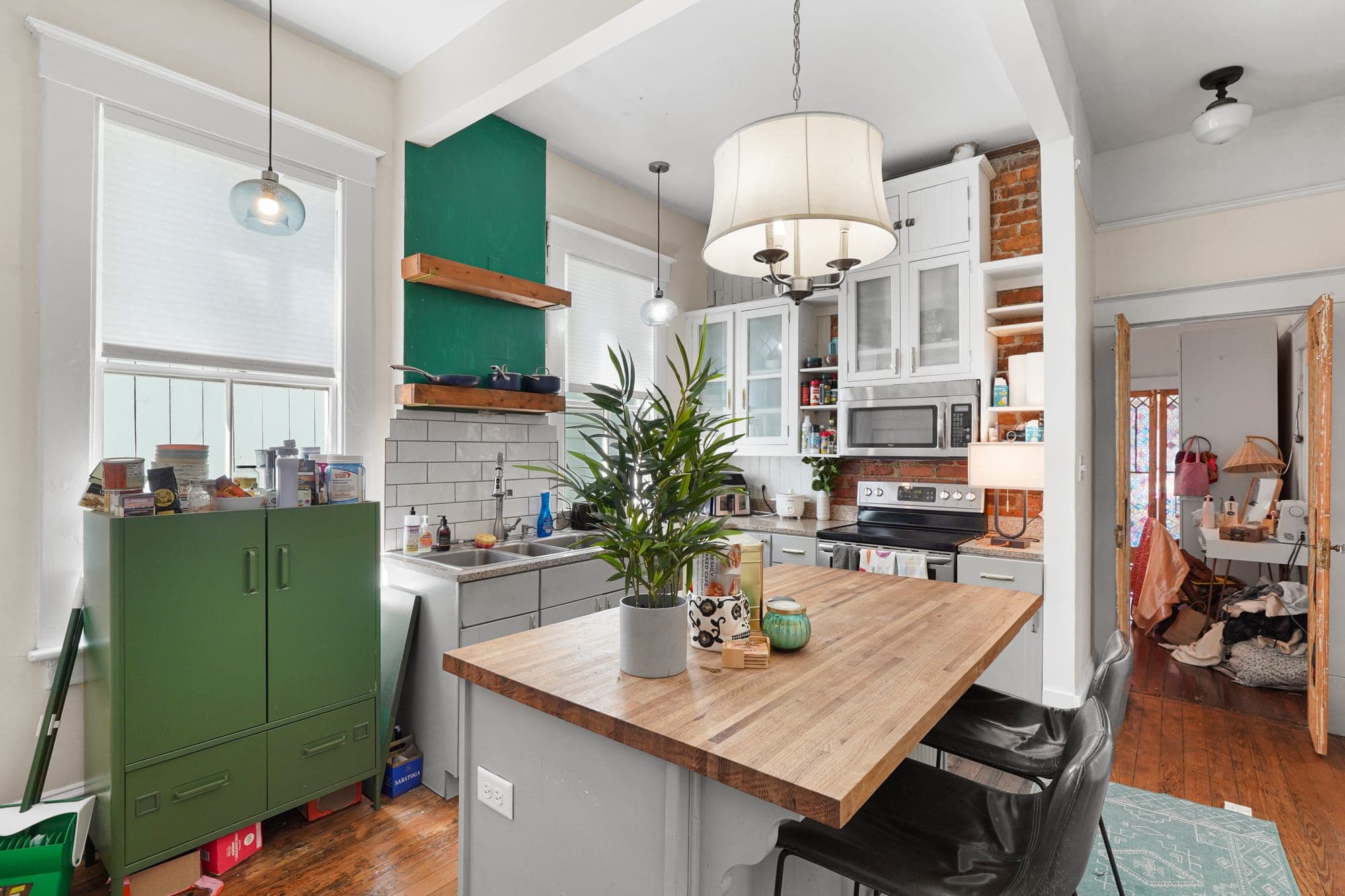
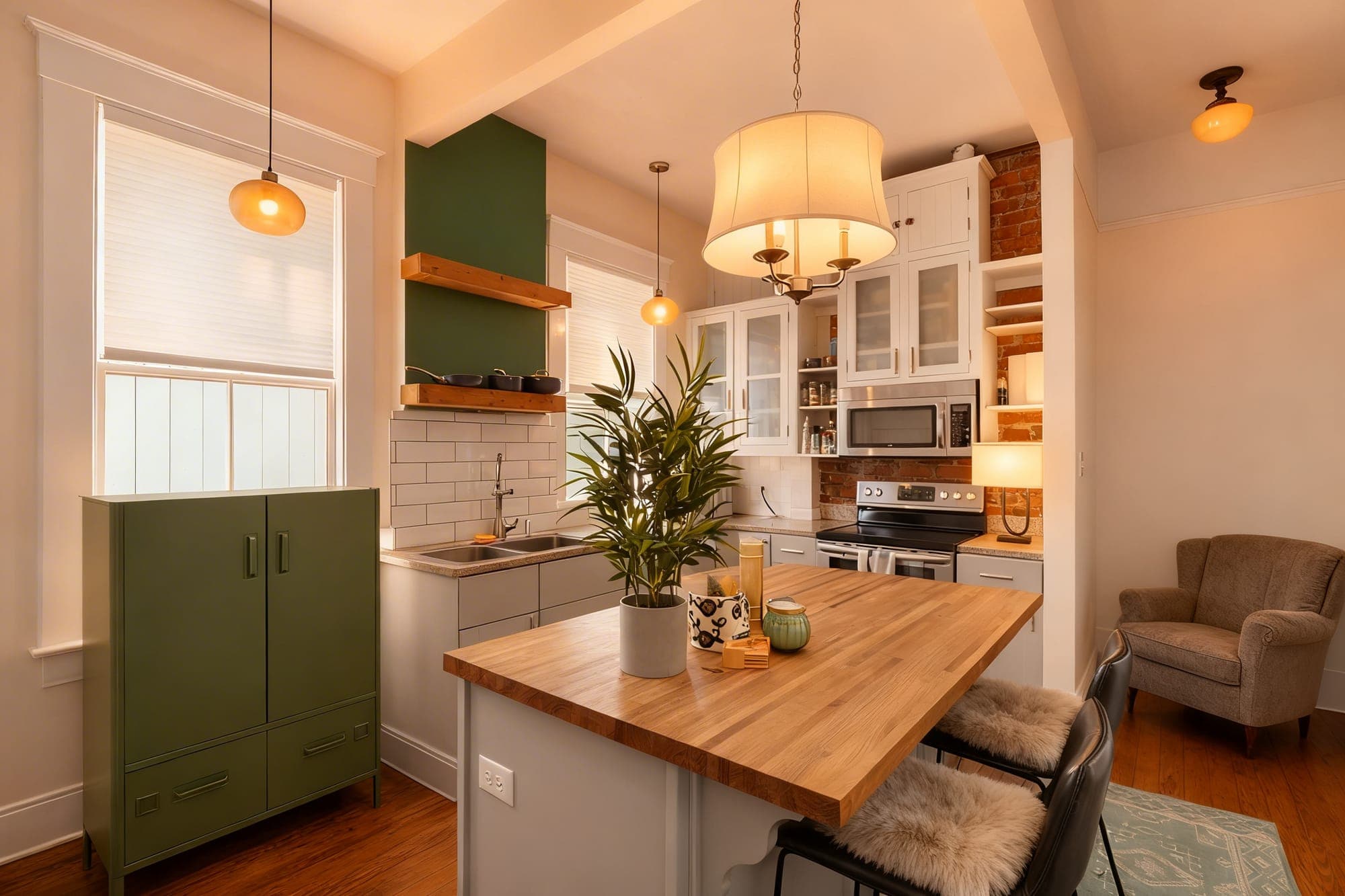
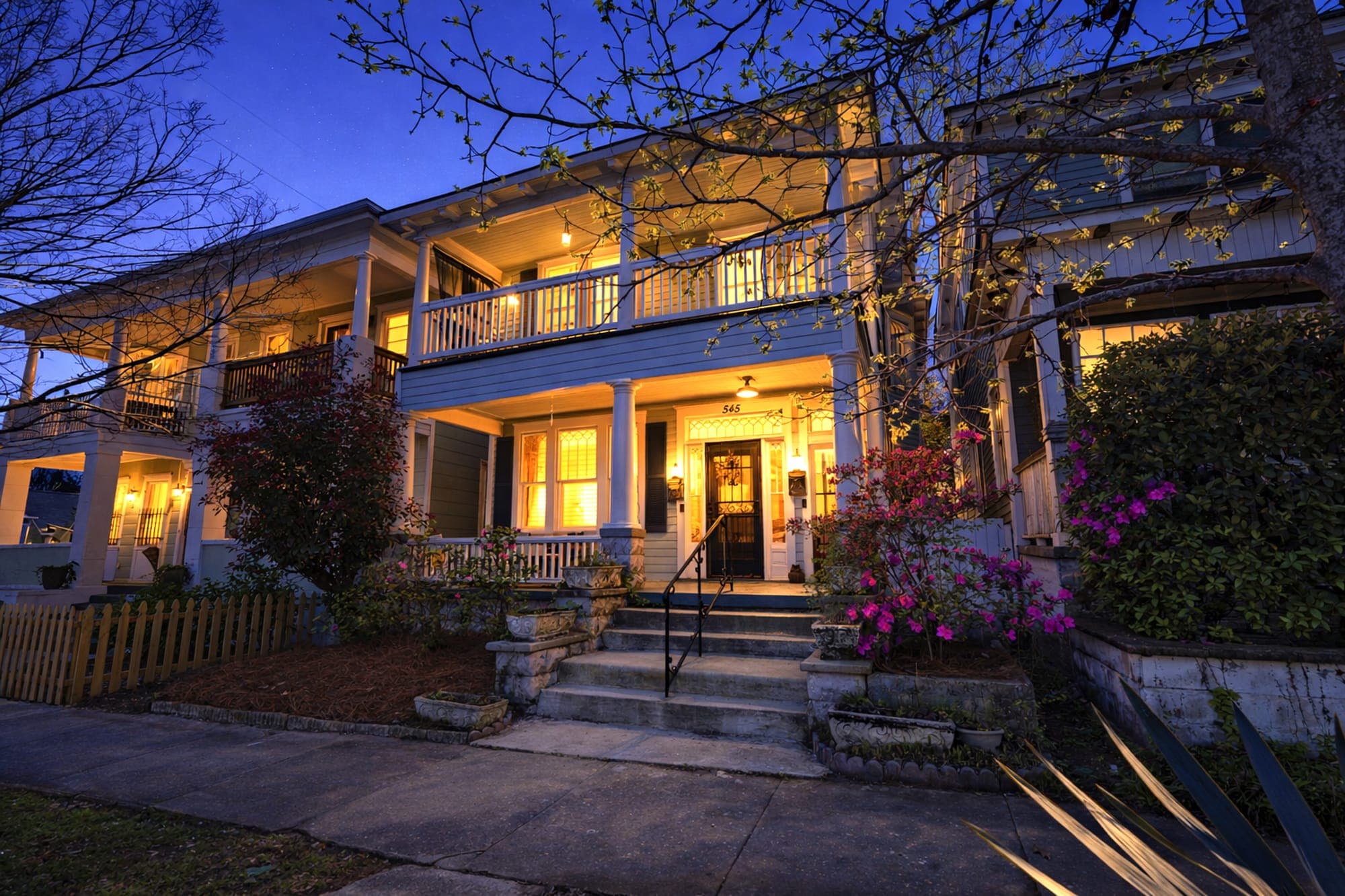
Three steps, about a minute per photo. Every edit stays grounded in the room that is actually there — no invented walls, no fabricated rooms.
- New project01
Create the property workspace
Start a project for each listing so the team can keep uploads, outputs, and delivery organized.
- Editing02
Run focused photo edits
Choose a preset, add optional direction, and keep each edit grounded in the original room.
- Delivered03
Review, download, and deliver
Compare the result, batch through the gallery, and send polished images out without losing the thread.
Try it on your next listing
10 free edits on sign-up — no credit card required. See the before/after in about a minute.