 Relist AI
Real Estate Photo Decluttering and Object Removal
Buyers want to picture themselves in the space, not stare at moving boxes and counter clutter. Relist AI clears the mess from your listing photos so every room reads clean, open, and ready to show, while keeping the actual layout, finishes, and dimensions exactly as they are. Upload, pick a preset, and download tidy photos in seconds.
How it works
Start a project for the property and upload the cluttered room photos straight from your shoot.
Choose Declutter or Clear Room, or type a custom instruction like remove the moving boxes, and the AI cleans the space in seconds.
Review the before/after, download the clean images, or send the shareable delivery page to your client.
Why it works
- Clear boxes, mess, and clutter
- Tidy counters and surfaces
- Reset cluttered closets and shelving
- Keeps the real room intact
- Batch-clean a whole shoot
Frequently asked questions
No. Relist AI only removes clutter and mess like boxes and surface items, so the result stays grounded in the real room with the same walls, layout, and finishes. Nothing is fabricated or invented.
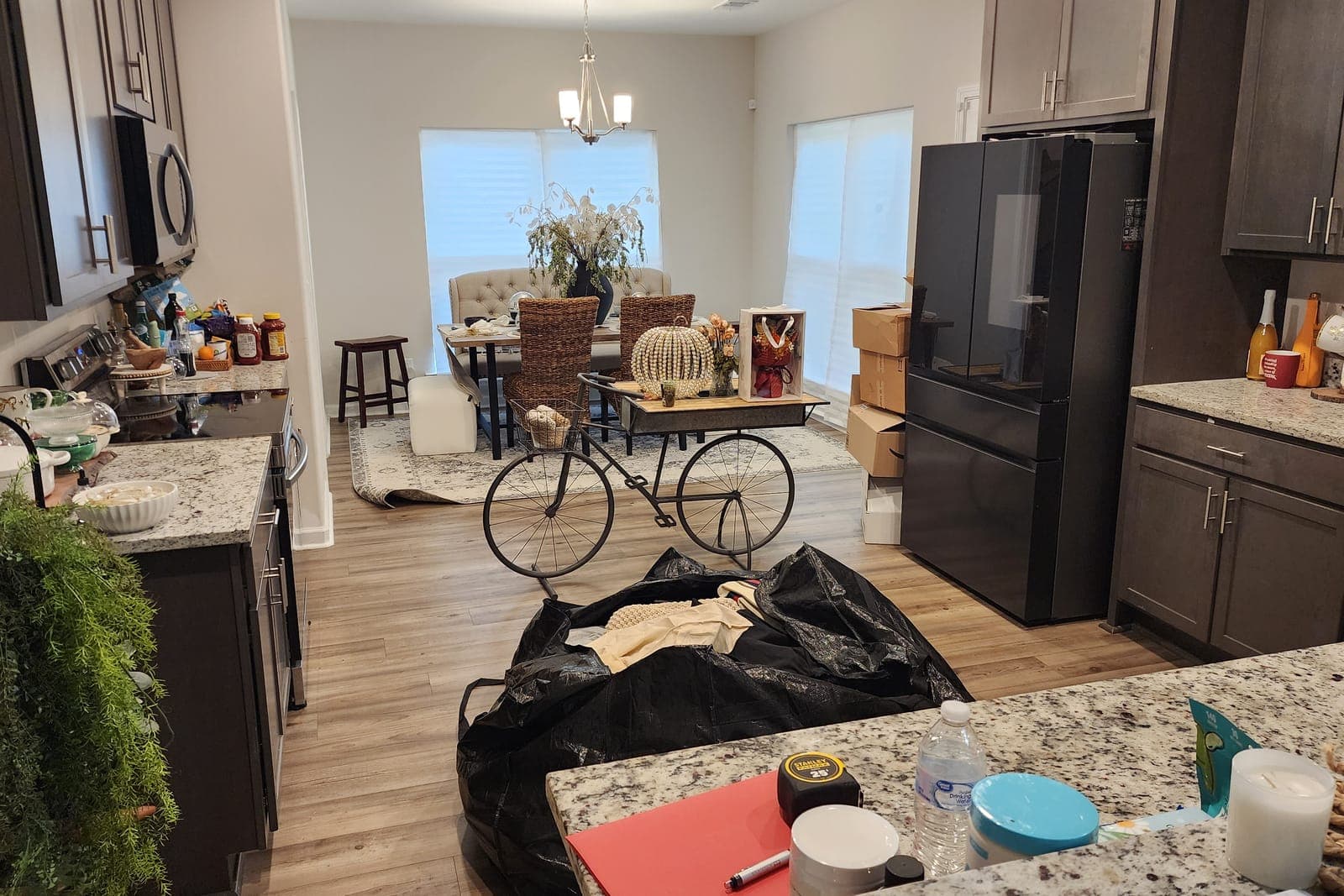
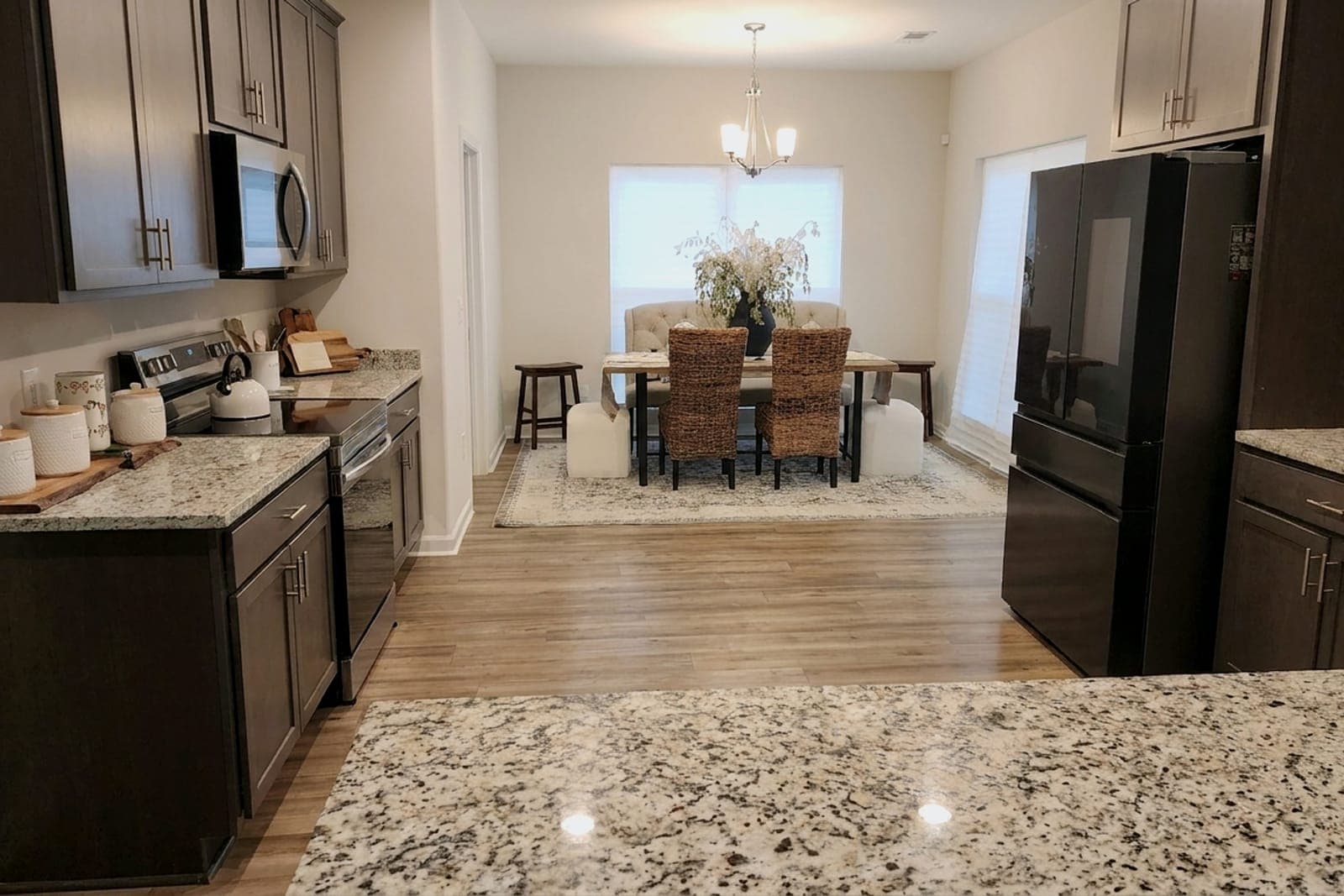
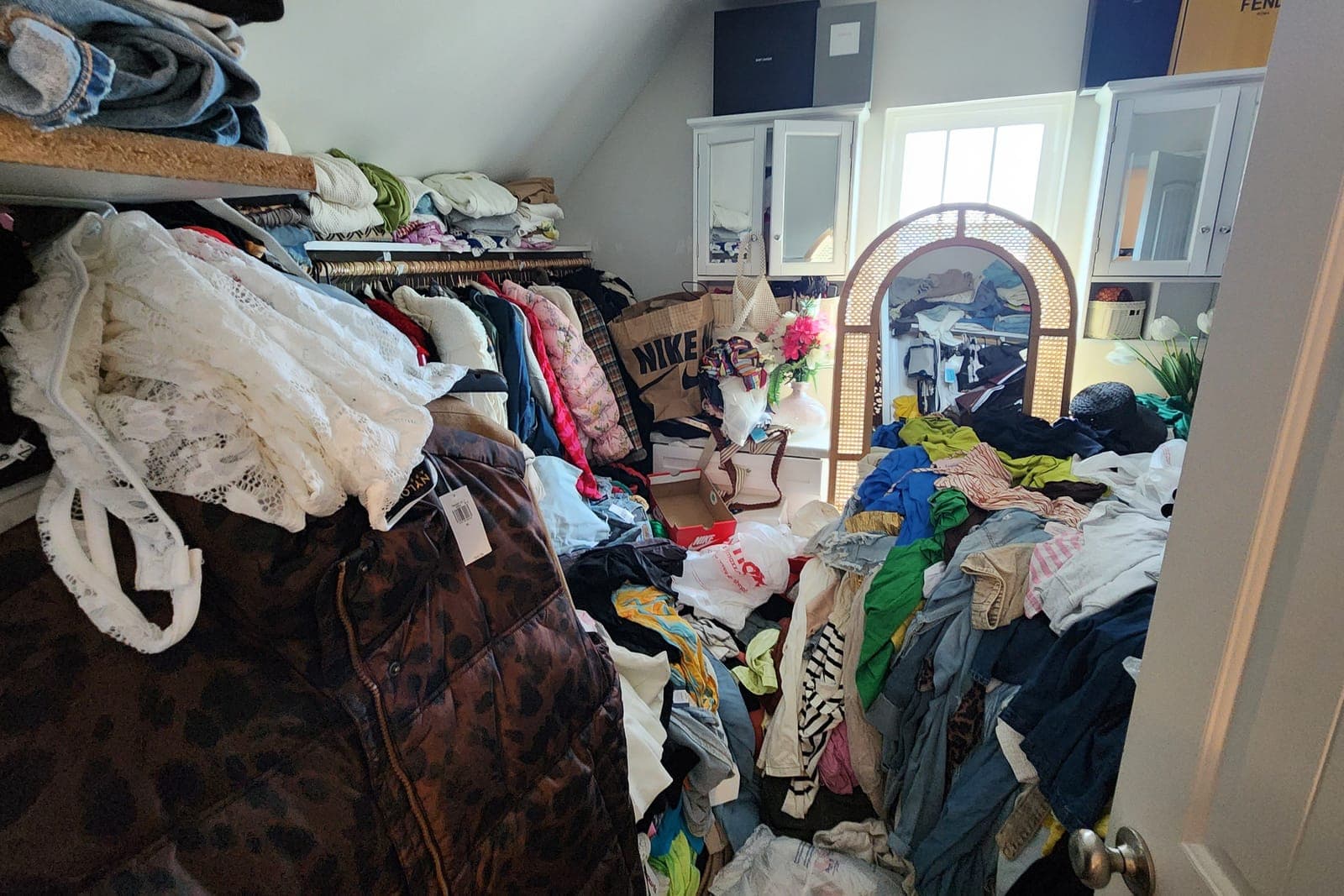
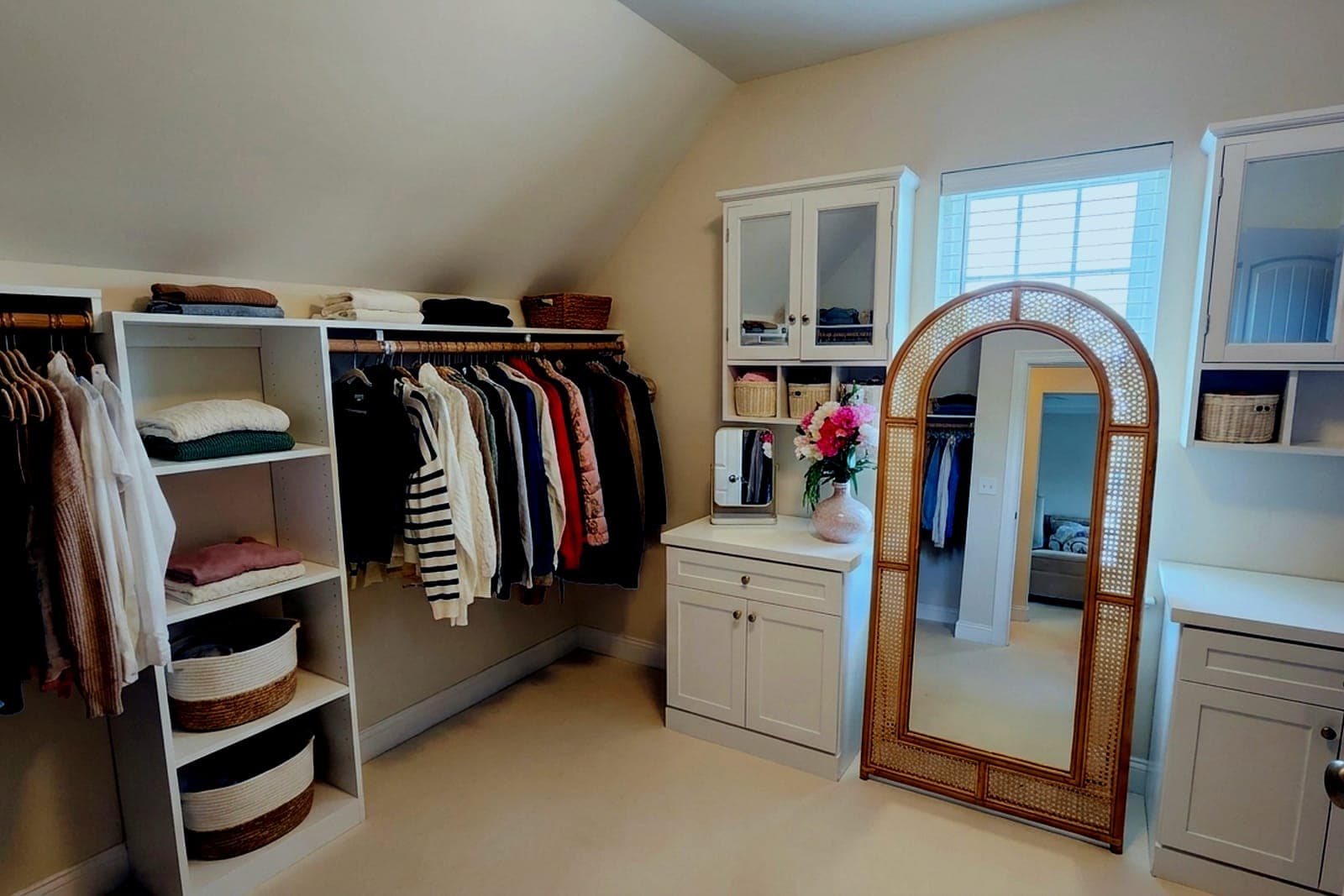
It handles common listing distractions such as moving boxes, counter clutter, stray items, and overflowing storage. In our examples, a kitchen and dining area packed with boxes becomes a clean open space, and an overflowing walk-in closet reads as tidy, organized shelving.
AI-edited photos may require disclosure under MLS or state rules. The shareable delivery page includes a disclosure, and we recommend following your local MLS guidelines for edited or virtually staged images.
Yes. Upload multiple photos to a project and batch edit them. Each photo edit uses 1 credit, and you can buy more anytime, with purchased credits that never expire.
Clear the clutter from your next listing
Start free with 5 credits, no credit card required. Upload a cluttered room and see it listing-ready in seconds.